Install EX-Turntable
TODO complete EX-Installer EX-Turntable page needed
EX-Installer can be used to install both EX-CommandStation and EX-Turntable. The process is the same for both, with the exception of the configuration options, therefore we will only outline the configuration options here. Refer to EX-Installer for the full documentation on using EX-Installer.
When you reach the "Select Product" screen, select EX-Turntable.
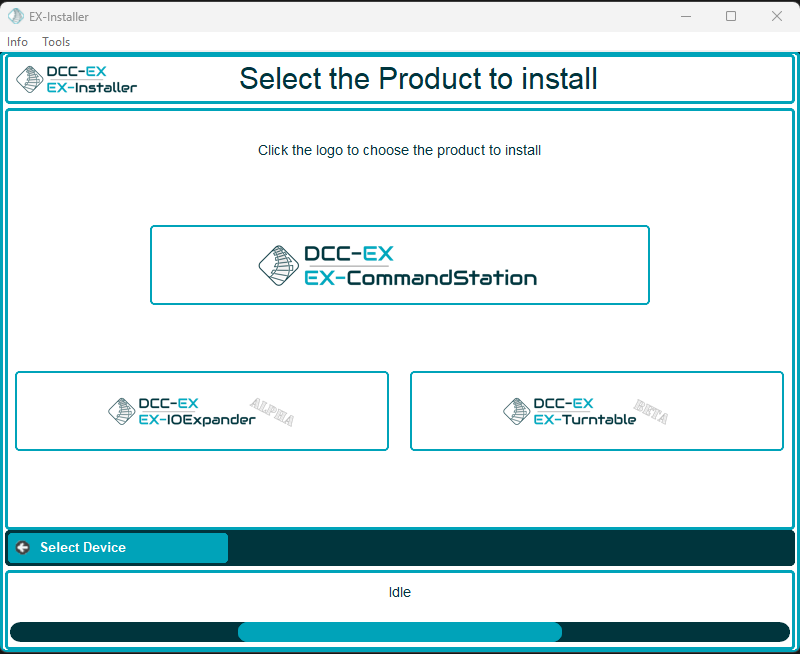
EX-Installer - Product Screen
We always recommend selecting the latest available version for EX-Turntable unless advised otherwise, but note you will only see Development versions while it remains in Beta testing.
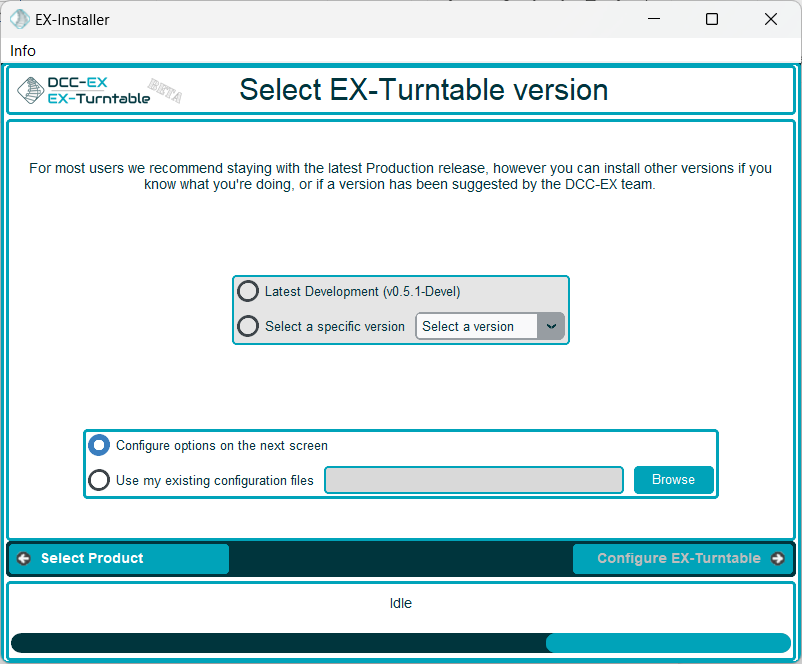
EX-Installer - Product Screen
Once the version has been selected, you will be able to configure the necessary options.
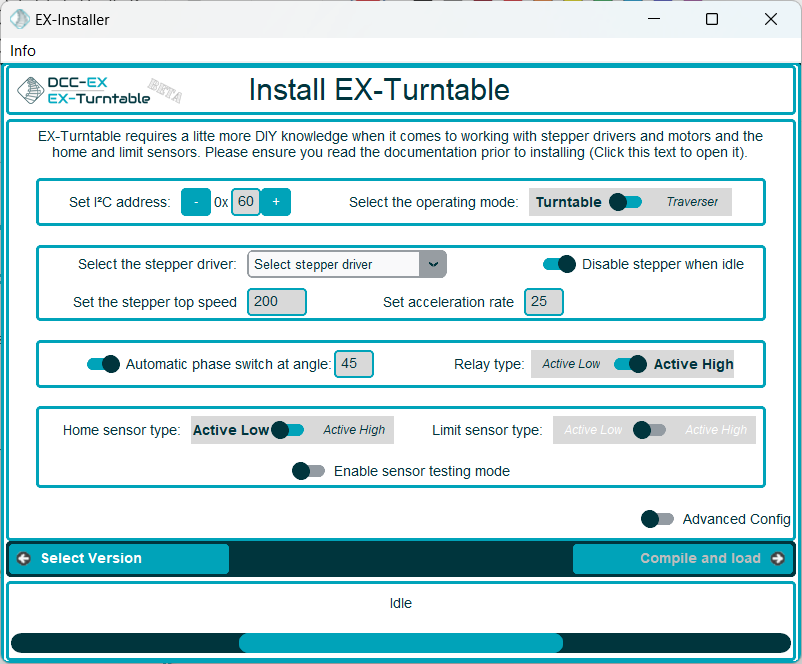
EX-Installer - EX-Turntable configuration
If you have a need to configure any other settings, you can enable Advanced Config and edit the config file on the following page. You will need to do this if you intend to manually specify the steps per rotation for the stepper.
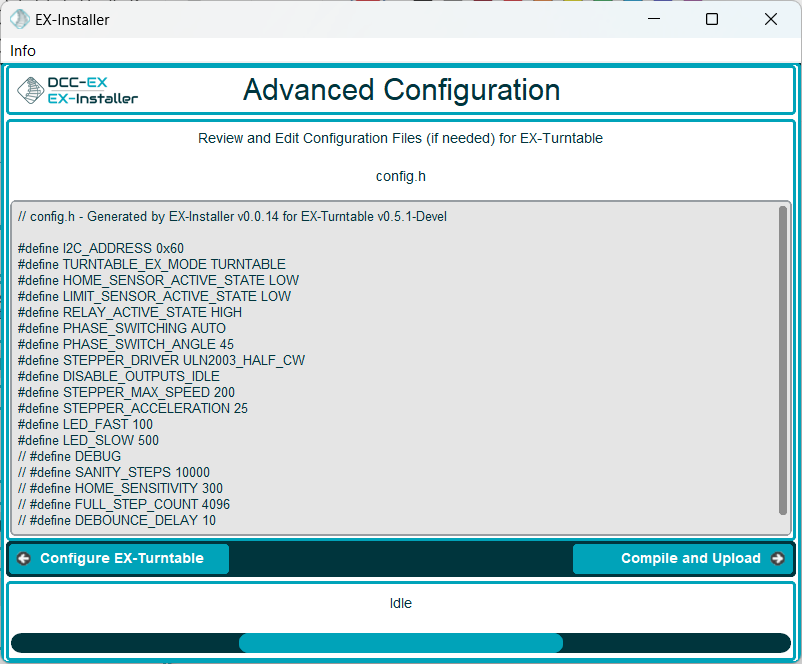
EX-Installer - EX-Turntable Advanced Config
Continue through the rest of the EX-Installer process to load the software on to your device, then skip to first start and automatic calibration to continue.