
Microchip SAMD21 (Deprecated)




Microchip SAMD21 series
As of version 5.4.0, this is now deprecated, see Announcing EX-CommandStation 5.4.6
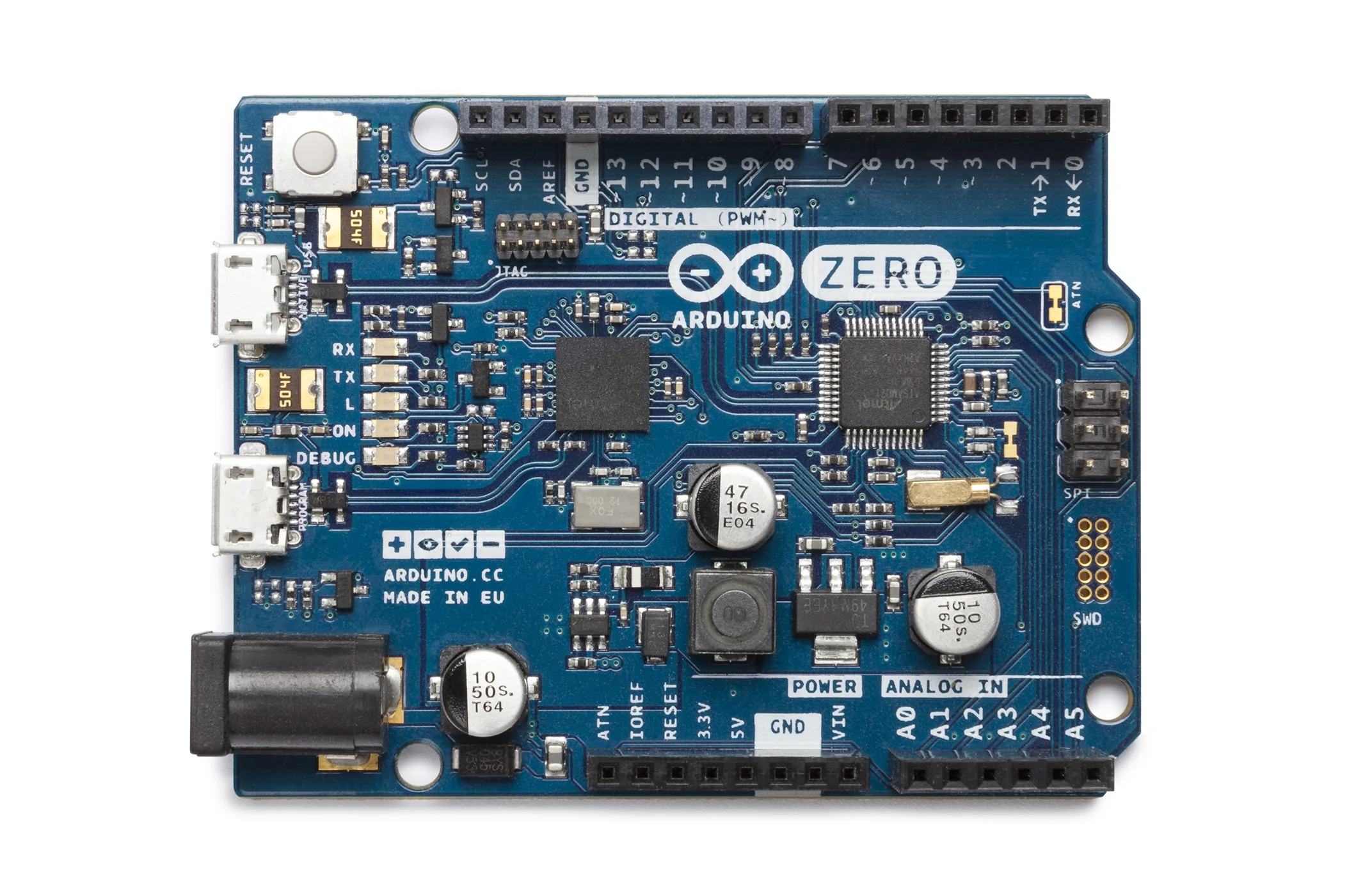
Microchip’s SAMD21 series of ARM Cortex-M0+ enabled microcontrollers offer significantly more resources than the Mega. The Arduino Zero uses Microchip’s SAMD21G18A in an UNO R3 compatible form factor. A variety of manufacturers have produced clones of this design, usually omitting the Embedded Debugger (EBDG) of the original Arduino Zero design.
ATSAMD21G18 32-bit/48MHz ARM Cortex-M0+
256KB Flash Memory
32KB SRAM
30 GPIO
14-channel 12-bit resolution ADC
1 10-bit resolution DAC
6 serial ports, any combination of UART, I2C and SPI (separate from the USB serial)
3 16-bit timer/counters
32-bit Real-Time Clock and Calendar
20 PWM capable outputs
Full Speed USB device and embedded host capability
The appeal of the SAMD21 series is their relatively high performance, low cost and low power consumption.
Note
A strong limitation however is that their GPIO are 3v3 compatible only and not 5v-tolerant like the STM32F4xx range. Another is an apparent bug in the USB CDC serial driver library code for the console, and lack of intent by Arduino to issue the fix we suggest. For these reasons whilst support is included, we are not pursuing this line as a long term support goal for now.
SAMD21G18 boards tested
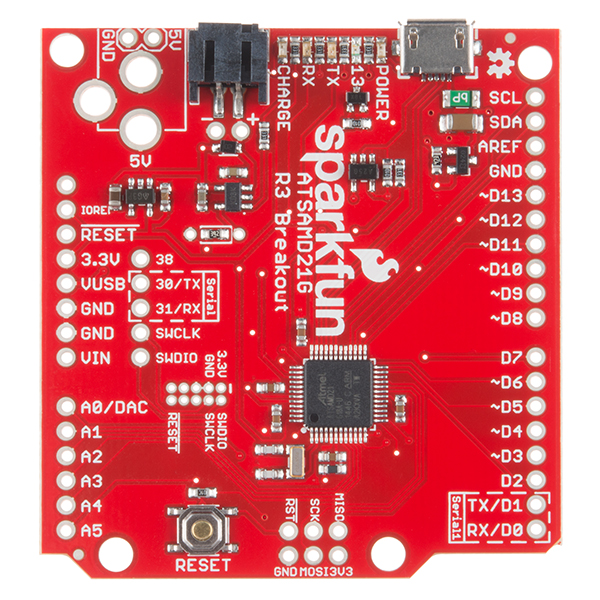
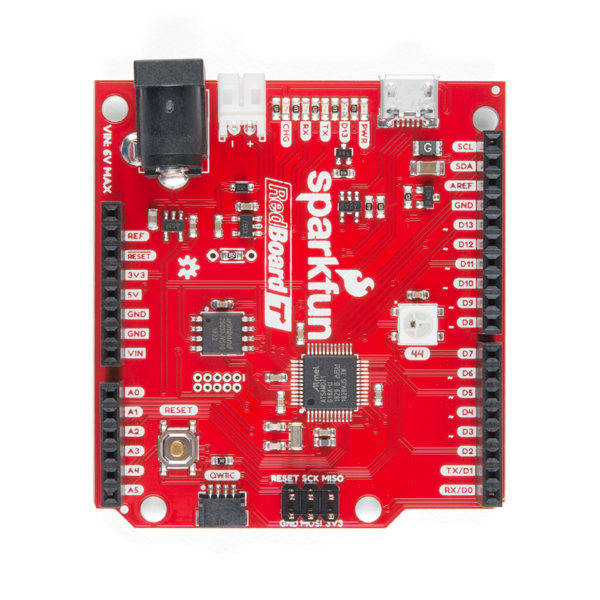
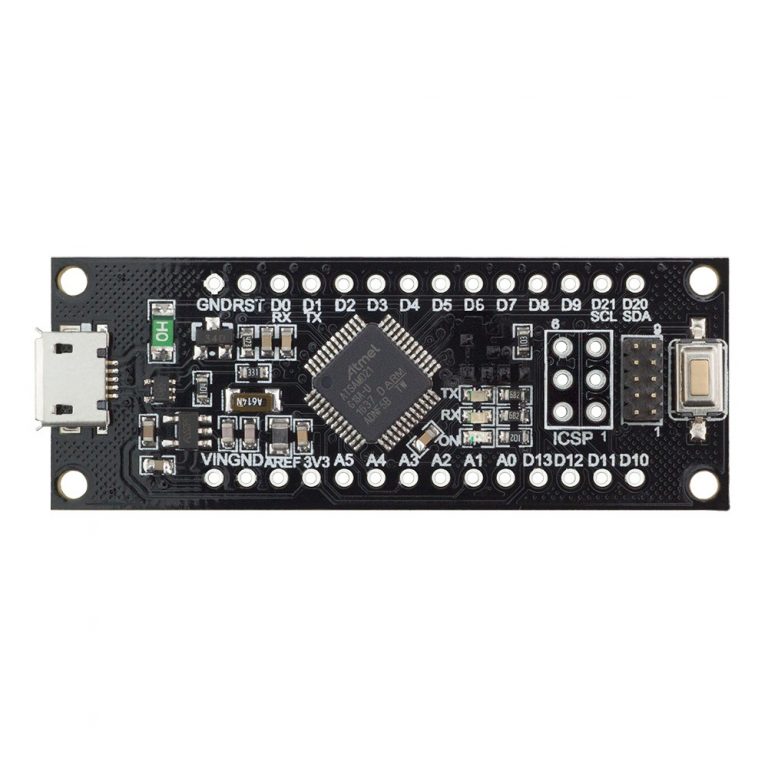
So far, the Arduino Zero, SparkFun SAMD21 Dev Breakout, SparkFun RedBoard Turbo, and SAMD21 M0 Mini (originally RobotDyn, but clones exist too) have been tested. The Arduino Zero, and both SparkFun boards are more conveniently in the UNO R3 form factor:
Note
Please note that the barrel jack on the SparkFun SAMD21 Dev Breakout is not fitted by the factory and the board itself CANNOT handle more than 6VDC. We strongly suggest you triple-check voltages before using this connector. It may give less scope for error to stick to powering the board via the Micro-USB connector for power.
Note also that the DCC-EX EX-MotorShield8874’s onboard regulator is by default set too high for the SAMD21 Dev Breakout at 7.2VDC. Adjustments to resistor R206 will be needed to lower the output to a safe 6V instead.
Dropped character on USB CDC fix
The USB CDC driver code for Arduino SAMD core implementation seems broken as it is both slow and loses characters. This issue had already been reported to the Arduino SAMD GitHub pages as issue #538, and was then backed up with details from the DCC-EX dev team (https://github.com/arduino/ArduinoCore-samd/issues/538  ).
).
You will need to edit some code in the Arduino Core library for SAMD to fix this temporarily. Where the file to be fixed resides depends on the particular SAMD21 board you have, the OS and development environment you are using.
When running Arduino IDE: look for the file USBCore.cpp in one of these locations, in this case for the Arduino Zero:
Windows: C:\Users\____\AppData\Local\Arduino15\packages\arduino\hardware\samd\1.8.13\cores\arduino\USB\USBCore.cpp
MacOS: ~/Library/Arduino15/packages/arduino/hardware/samd/1.8.13/cores/arduino/USB/USBCore.cpp
Linux: ~/.arduino15/packages/arduino/hardware/samd/1.8.13/cores/arduino/USB/USBCore.cpp
When running VS Code/PlatformIO: look for the file USBCore.cpp in one of these locations:
Windows: C:\Users\____\.platformio\packages\framework-arduino-samd\cores\arduino\USB\USBCore.cpp
MacOS: ~/.platformio/packages/framework-arduino-samd/cores/arduino/USB/USBCore.cpp
Linux: ~/.platformio/packages/framework-arduino-samd/cores/arduino/USB/USBCore.cpp
Look for the code shaded in dark blue, and replace it per the suggestion in light blue at the top (code for which is shown below for easy copy/paste):
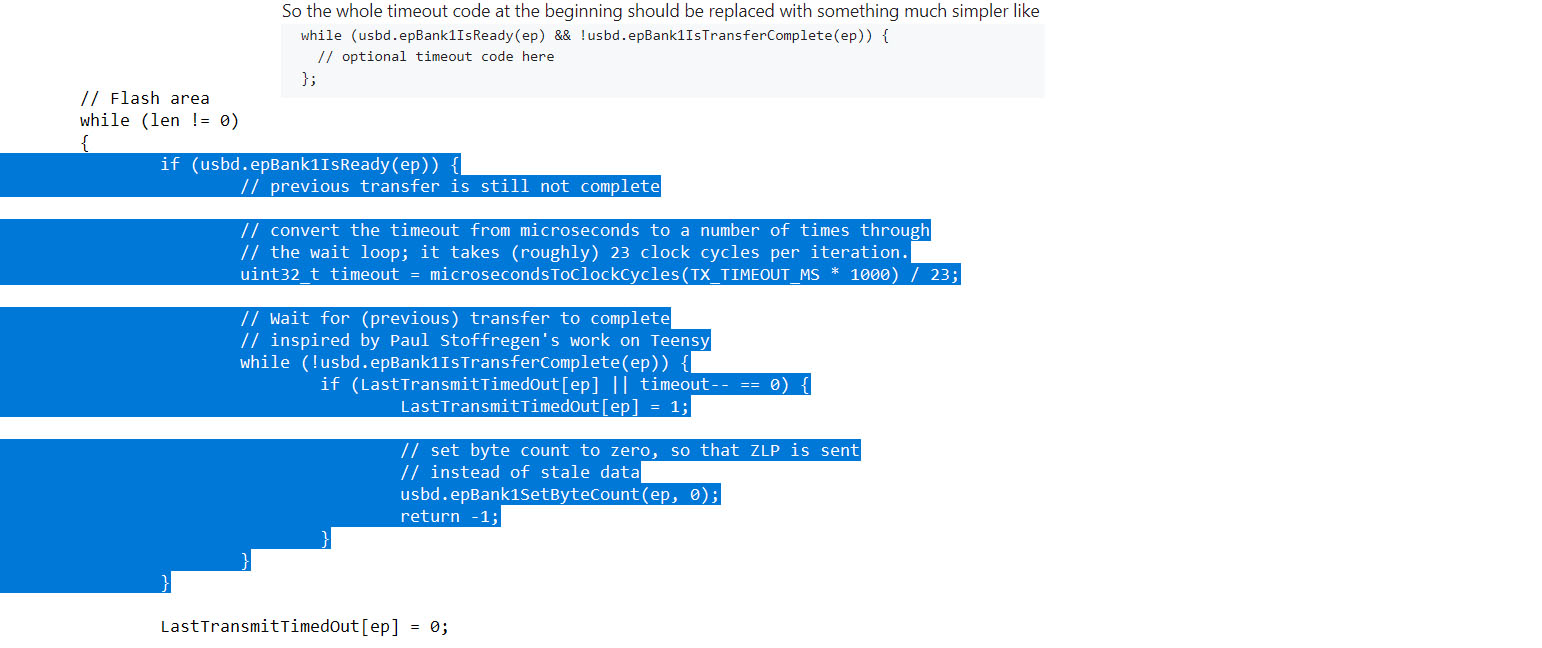
And replace it with:
while (usbd.epBank1IsReady(ep) && !usbd.epBank1IsTransferComplete(ep)) {
// optional timeout code here
};
For boards such as the SparkFun SAMD21 Dev Breakout or Redboard Turbo, you will need to look in the SparkFun directories for the appropriate USBCore.cpp file to alter, for example:
For PlatformIO this is: .platformio/packages/framework-arduino-samd/cores/arduino/USB/USBCore.cpp
For Arduino IDE this is: Arduino15/packages/SparkFun/hardware/samd/1.8.3/cores/arduino/USBCore.cpp
Note
You will need to do this every time the SAMD Arduino core code is updated unless our fix has been incorporated. We will change our documentation to reflect is if/when it happens.